 Pack Rat
Stop opening chests. Search them.
A free desktop app for Ultima Online players on UO Alive. Degenerate hoarder? Same. Pack Rat finds anything you own in seconds, keeps your house organized without some elaborate system, and builds better suits from gear you already have.
On a computer, this page lets you try the real app on demo data.

This is the real app, running on two demo characters.
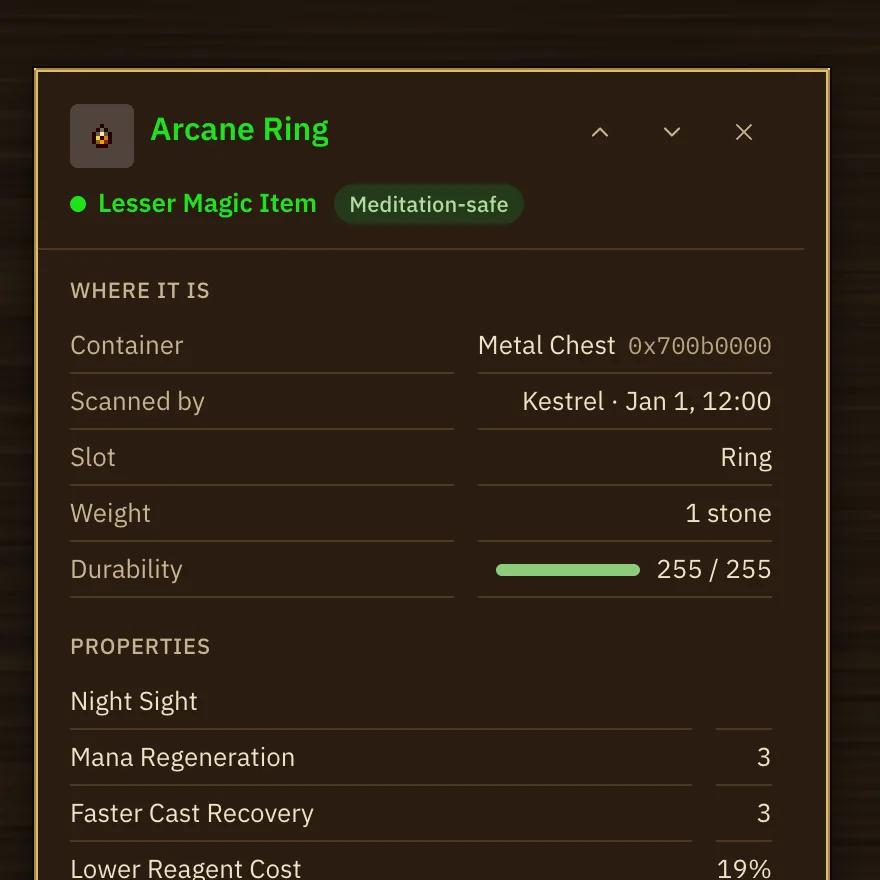
Search for “lower reagent”, open a ring, look up Dorran, find the katana in the house.
Item icons and the paperdoll are drawn from your own Ultima Online client once you install, so they're blank here.
Every bag, chest and bank box, in one ledger.
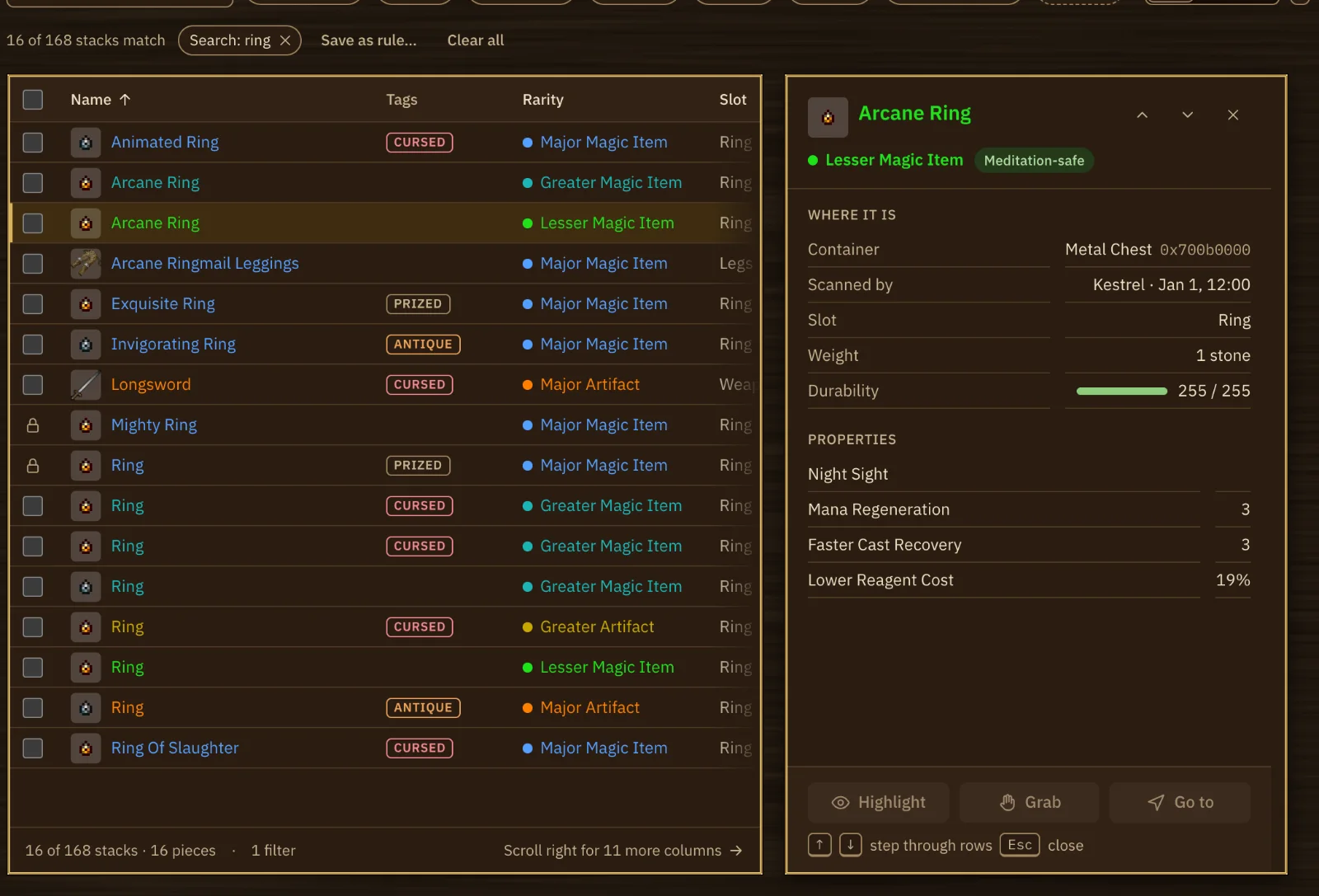
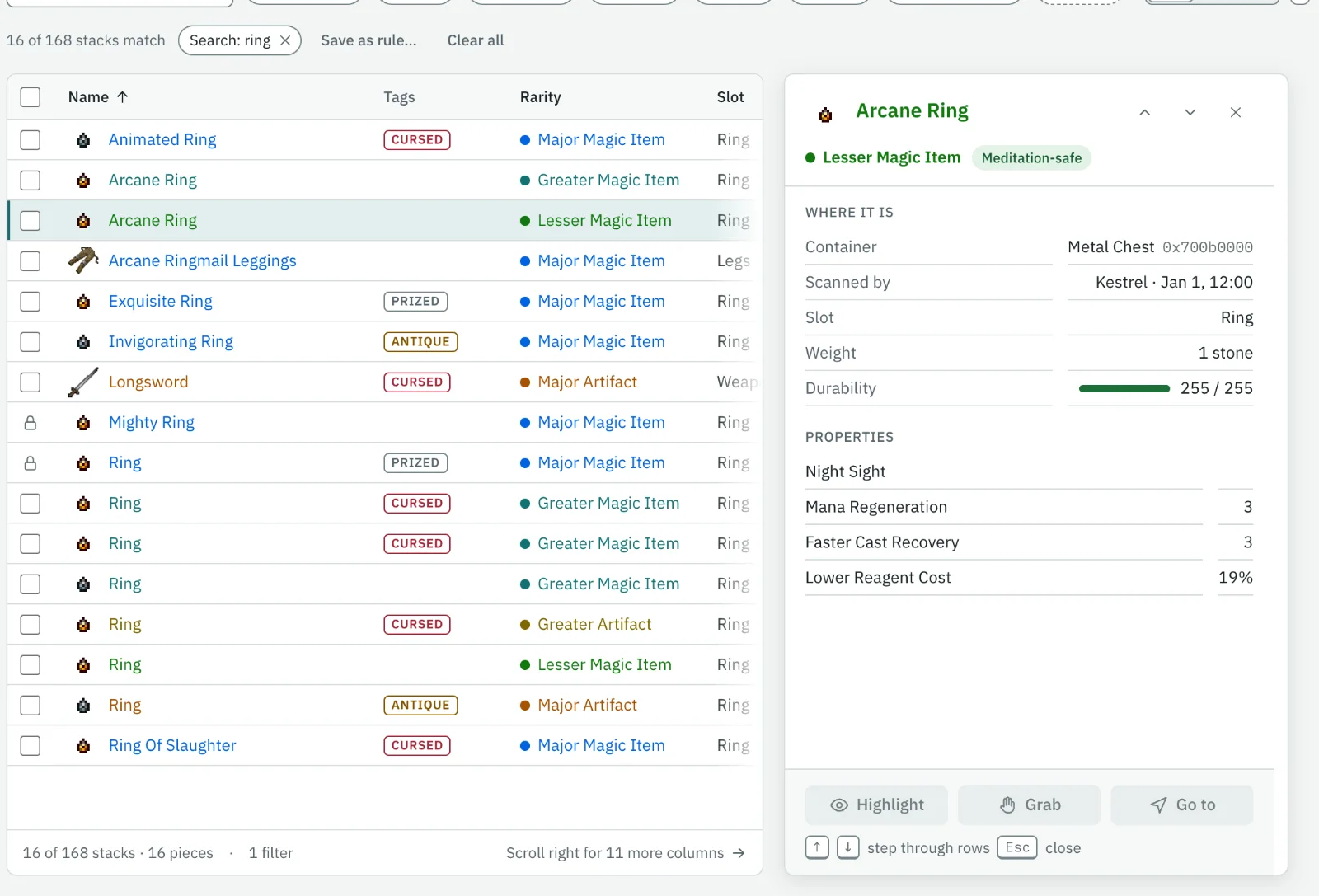
Search everything every character owns. Narrow it by property (at least, at most, exactly or not), type, slot, slayer, house or label. Highlight marks a piece in game, Go to walks you to its chest, Grab puts it in your backpack.
Items
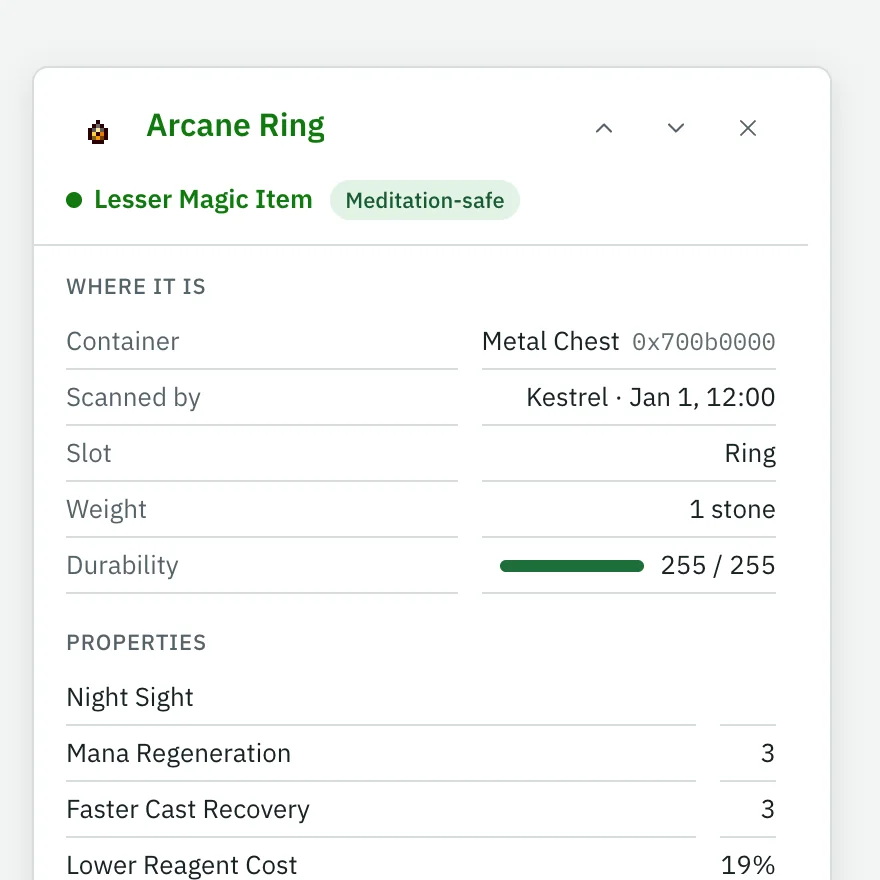
One table of every piece, each with its in-game icon and its name in its rarity's color. Click one for its properties and where it is.
Containers
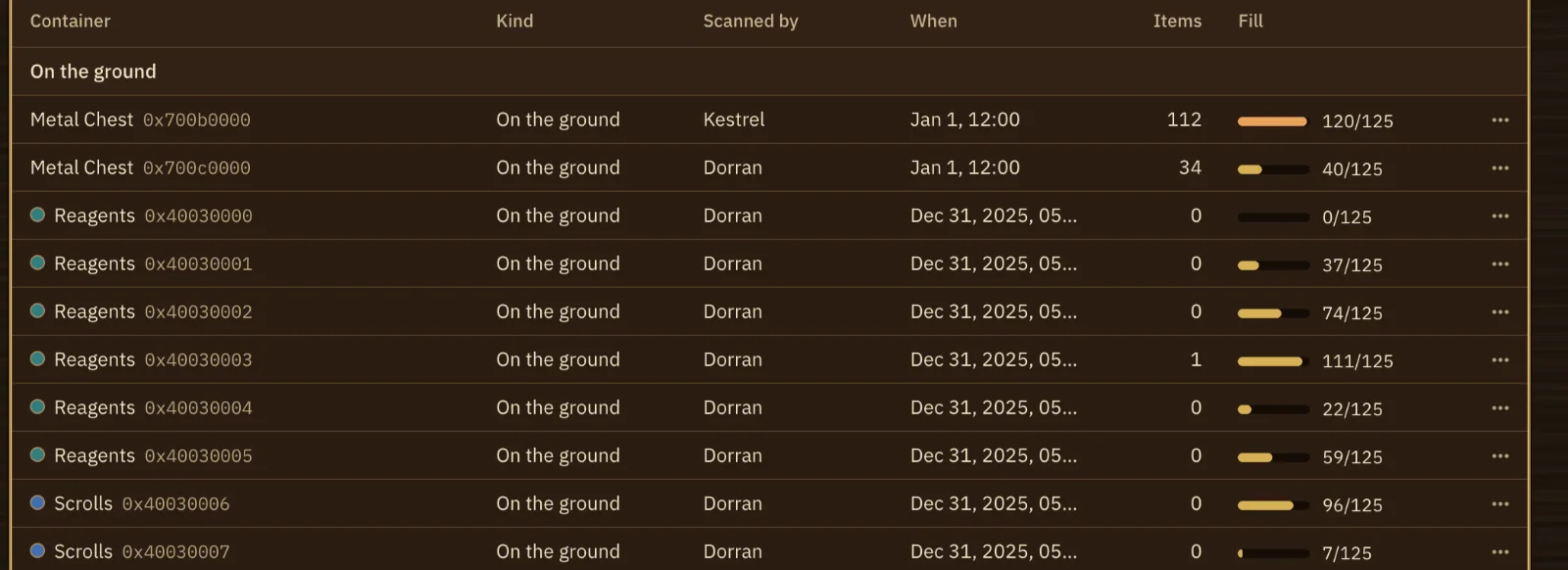
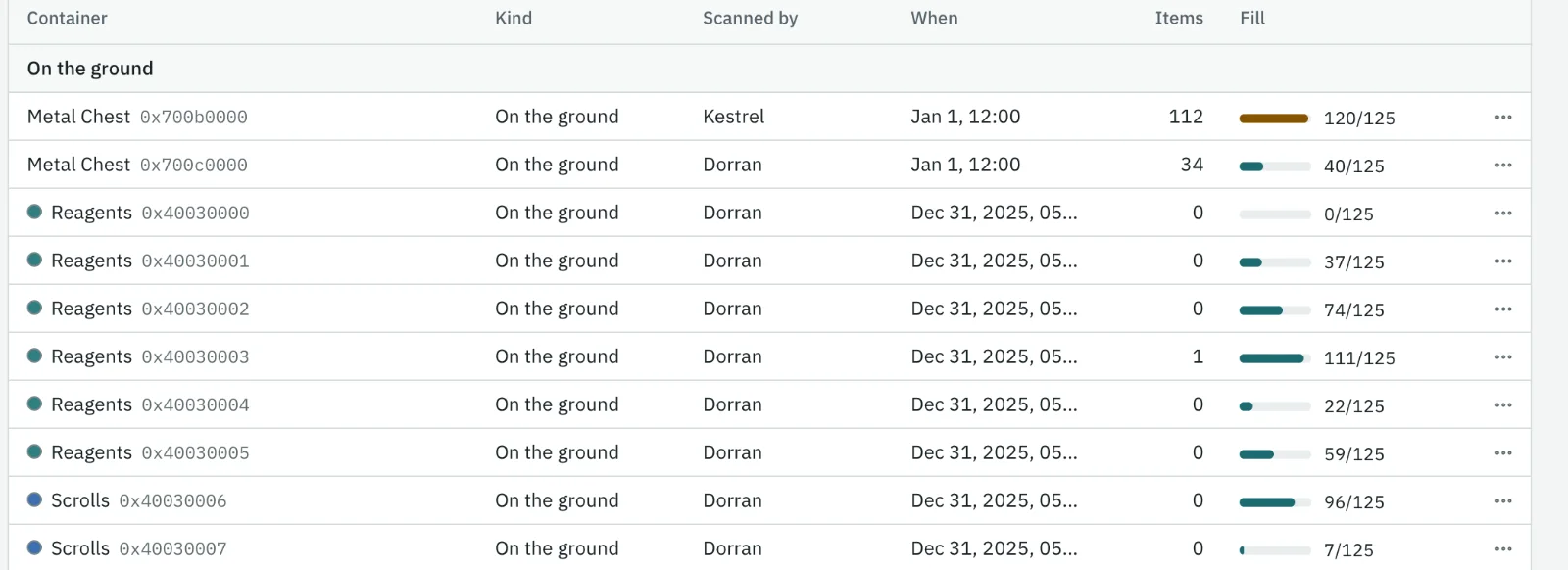
Every chest and bag you've opened, who scanned it and when, and how full it is out of 125.
Scrolls
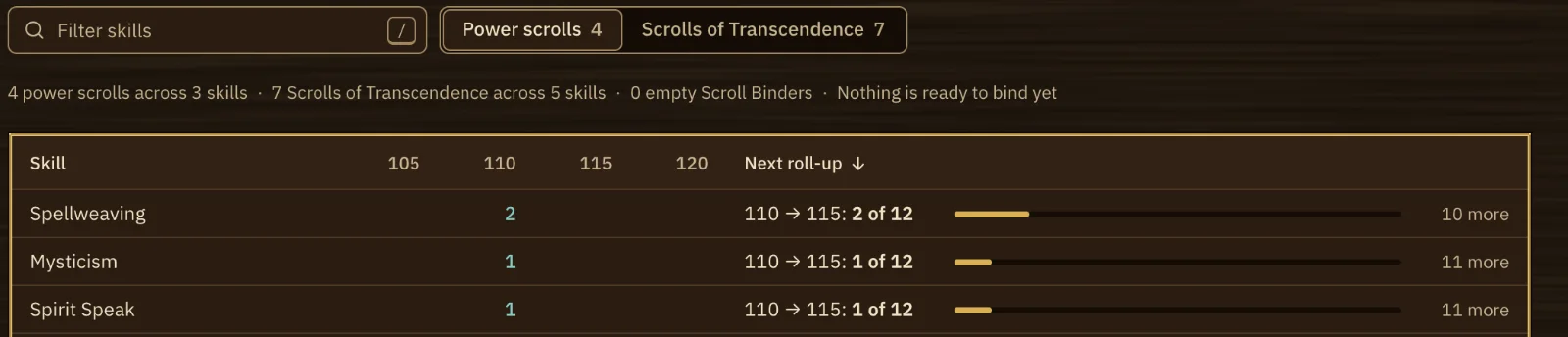
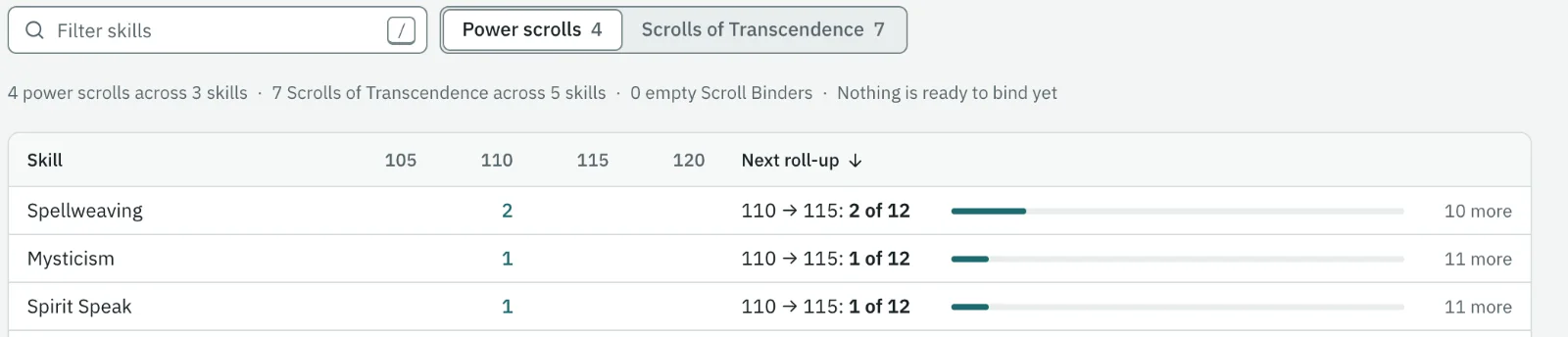
Power scrolls by skill and level, with how many you need for the next roll-up, and your Scrolls of Transcendence.
Unravel
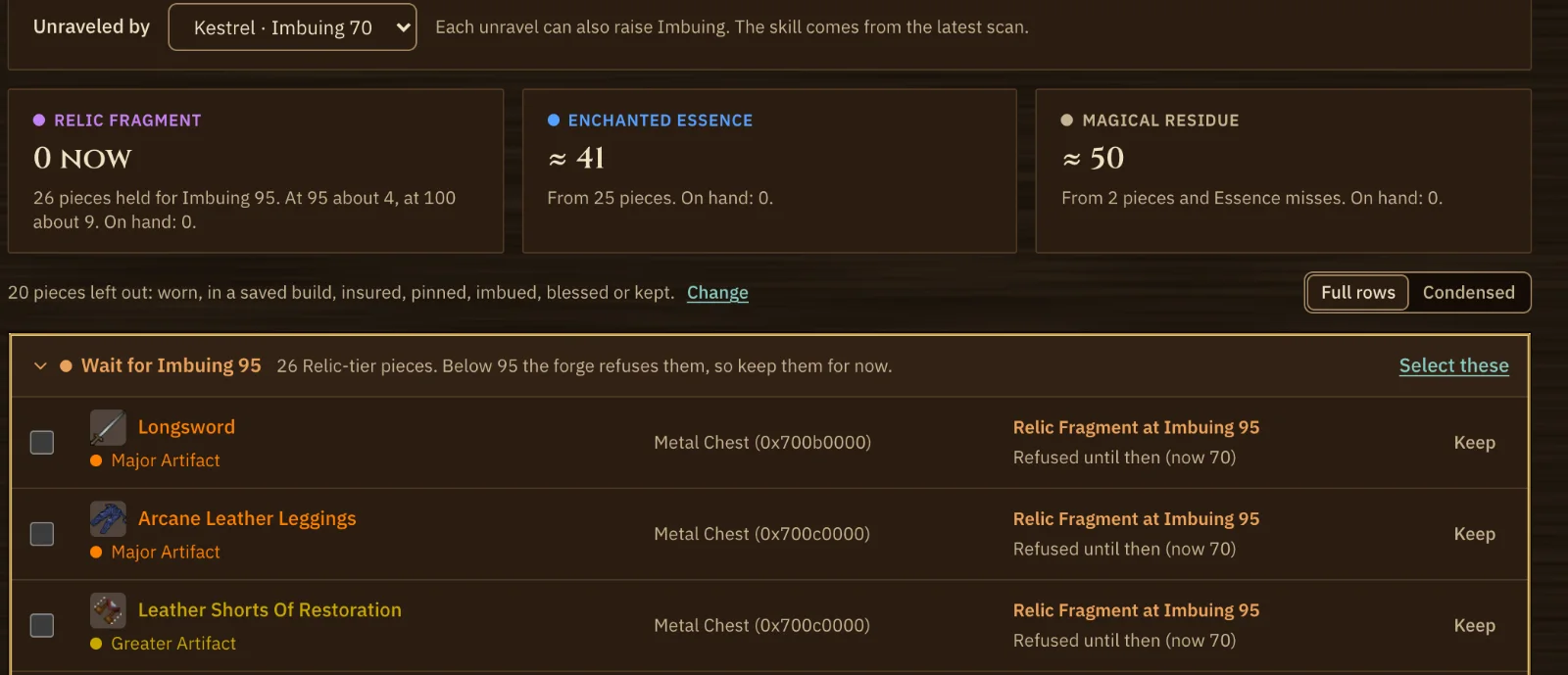
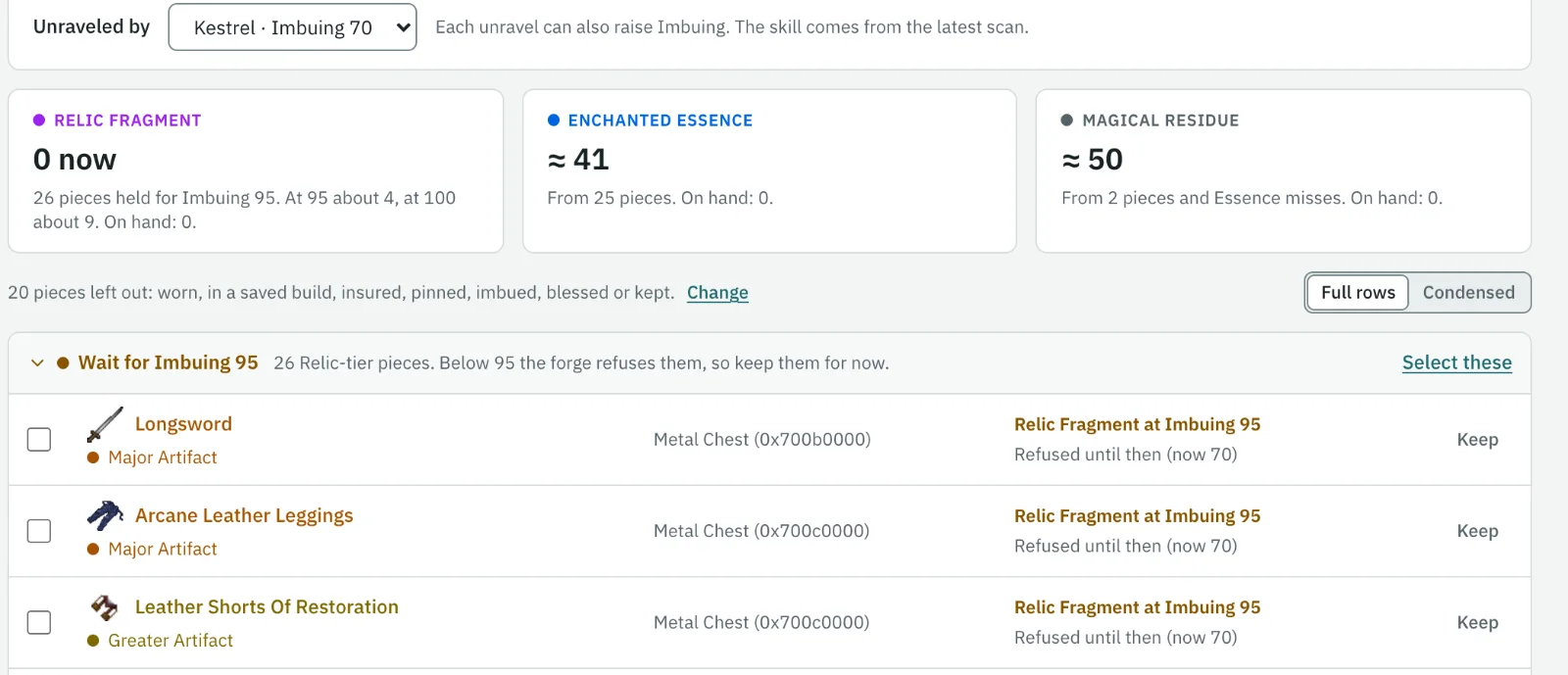
The pieces worth unraveling for imbuing ingredients, grouped by what each gives at your Imbuing skill, with a forecast of what you'd get.
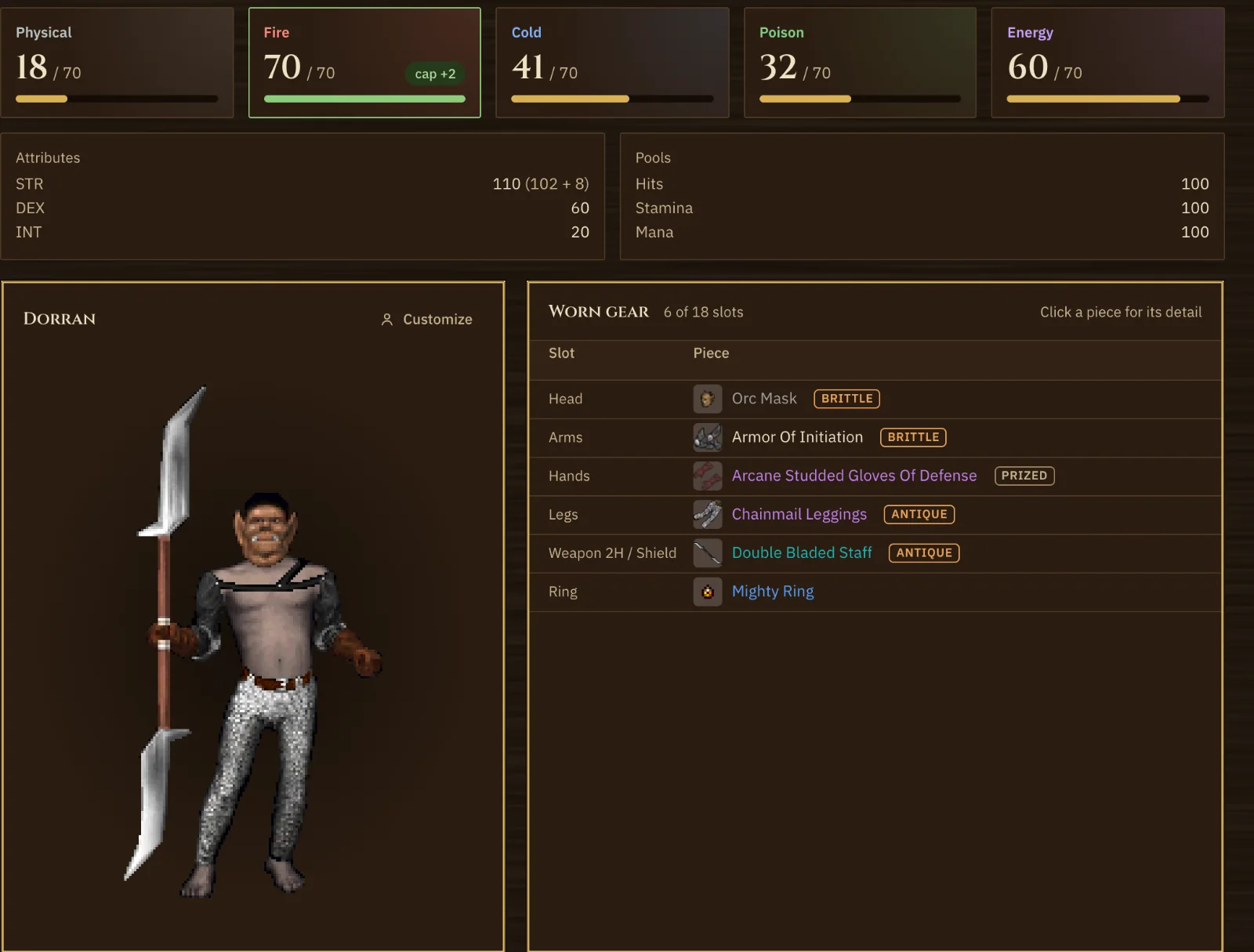
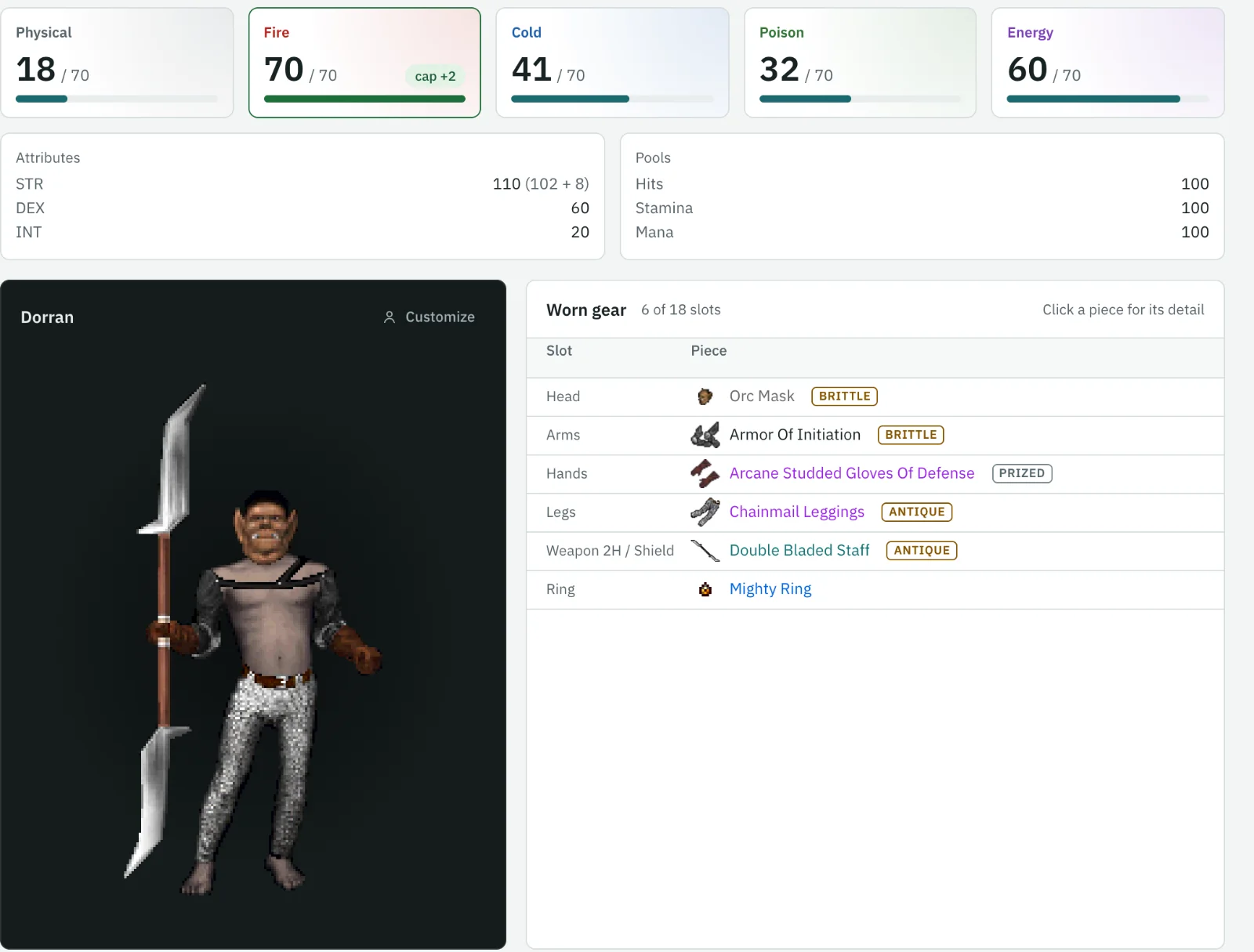
Each character, at a glance.
The paperdoll in the gear they wear, the five resists against the cap, stats, and every property against the shard's cap.
Property caps, rarity colors and the gargoyle race lock follow UO Alive's rules.
The best suit is already in your house.
Two ways to build it.
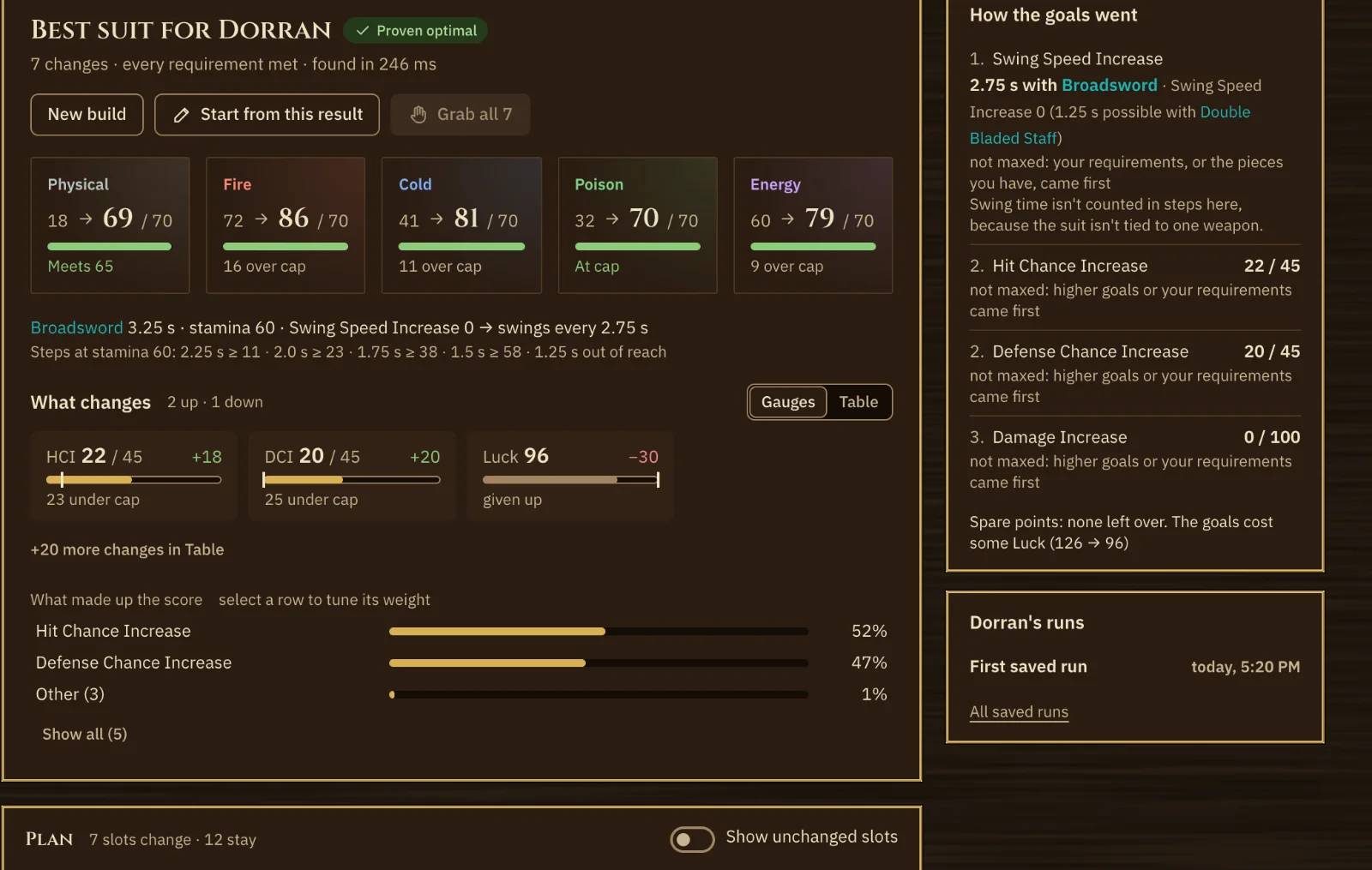
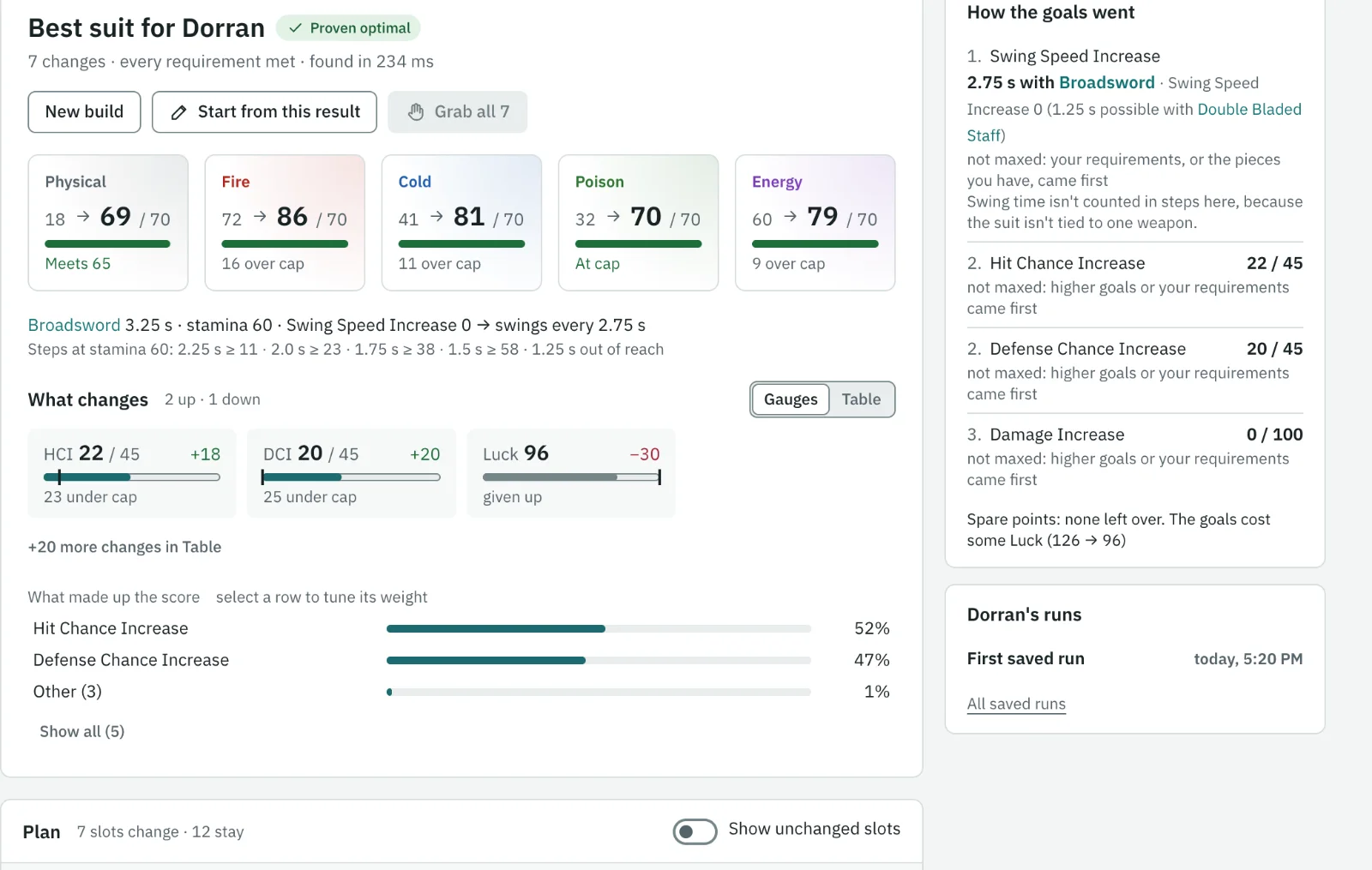
Pick a template, press Build.
Melee, Caster, Tank or your own goals. The Suit Builder searches everything you own, plans around the buffs you fight with, and proves the suit is the best one. Runs are kept so you can compare.
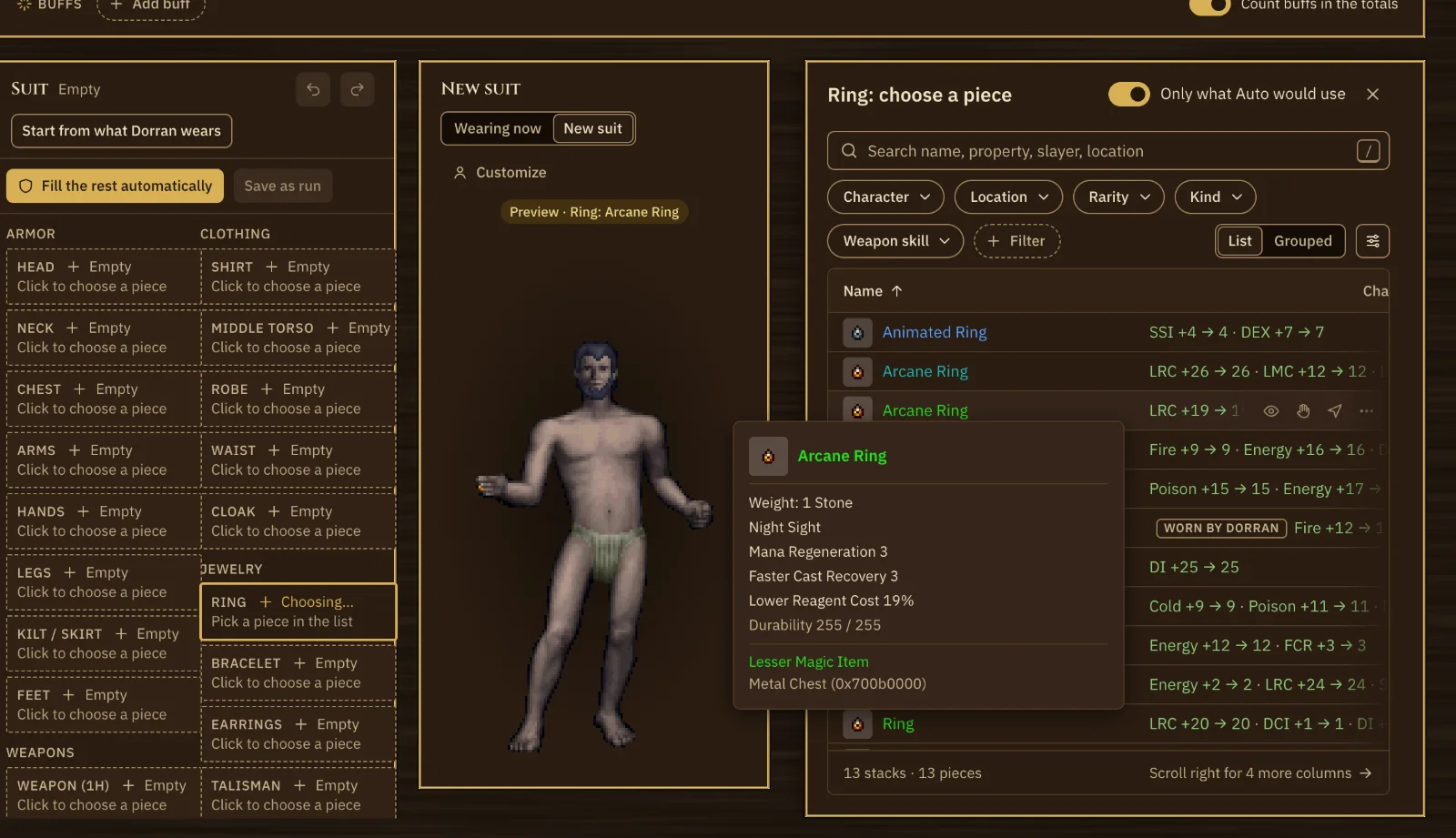
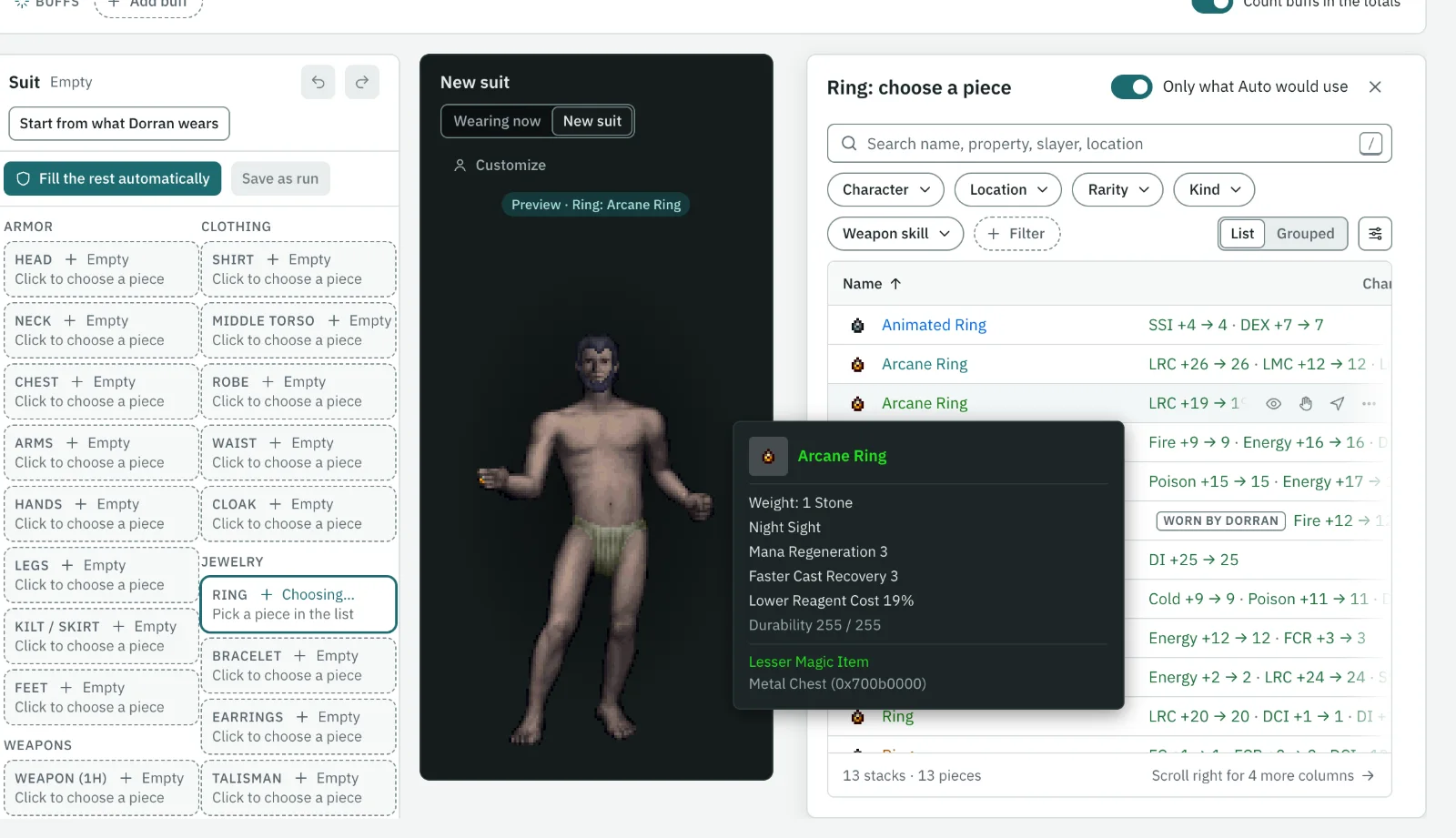
Dress the paperdoll yourself.
Pick a piece slot by slot on a live paperdoll and see every number move as you hover. Fill the rest automatically finishes the suit around the pieces you chose.
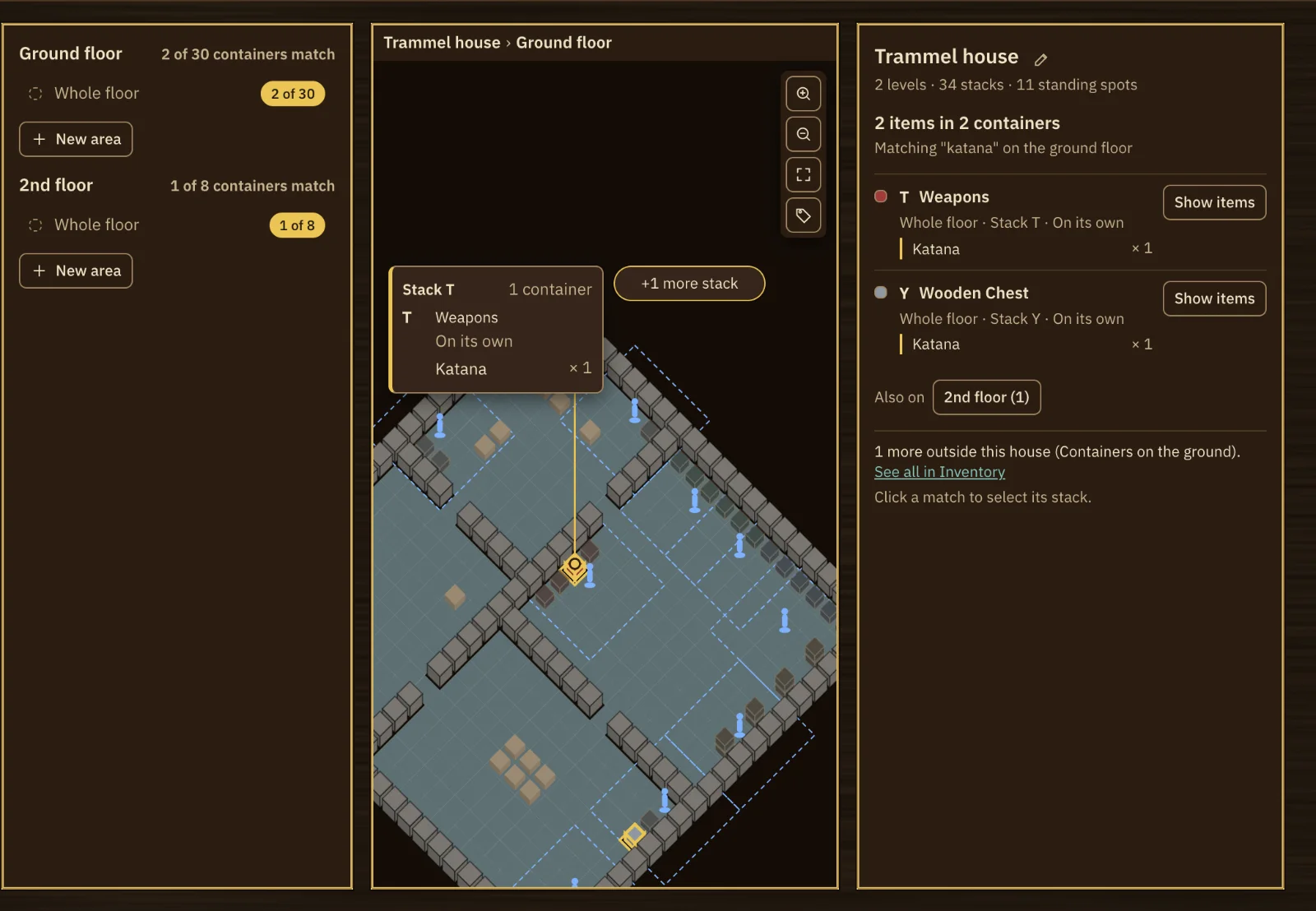
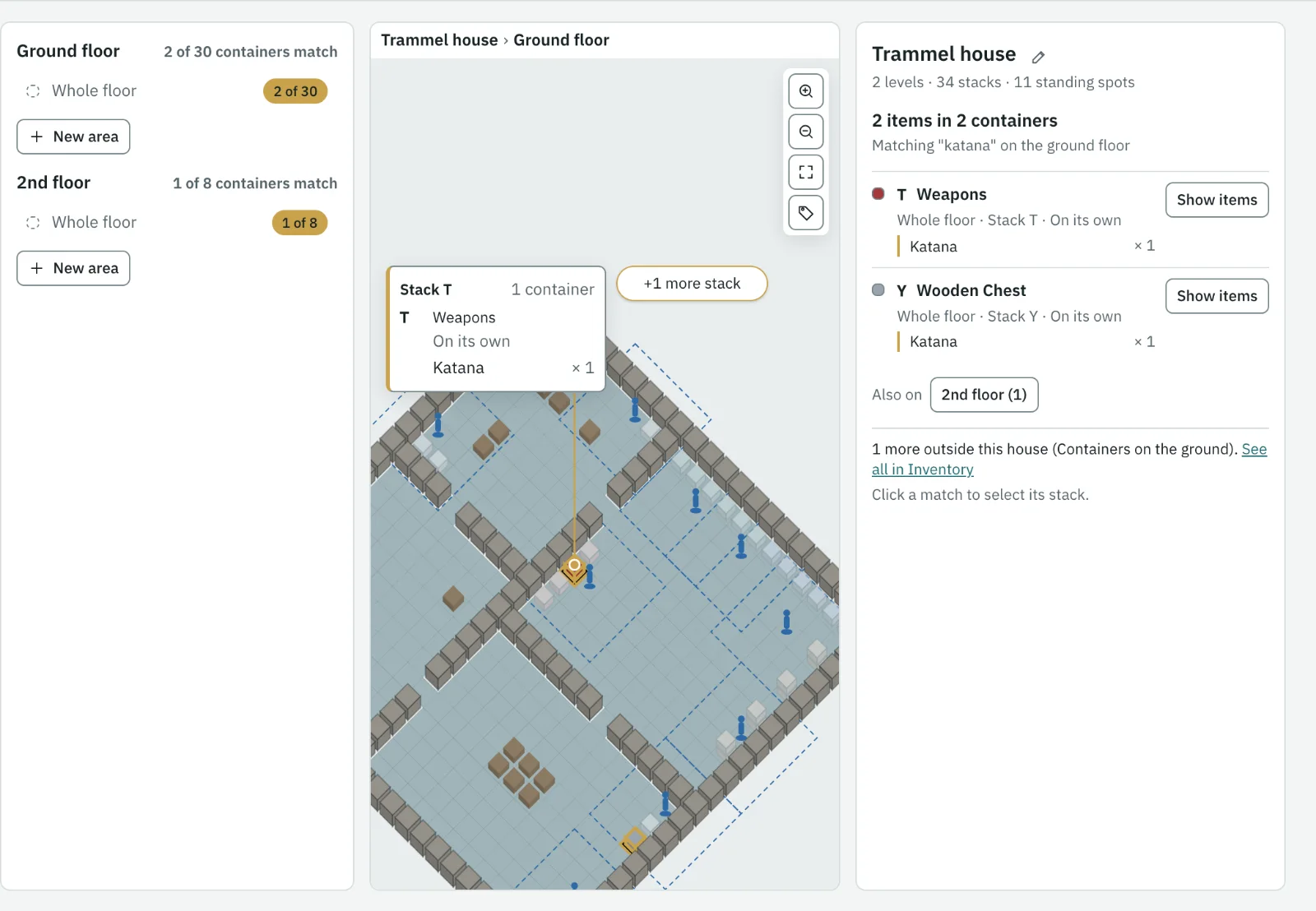
Your house, drawn from the game. Every chest in it.
Every chest stack colored by its label or by how full it is, at the game's angle, top-down or as a stack plan. Search it and the chests that hold your katana light up.
Give every item a home.
Three steps, and nothing moves until you say so.
Rules say where things go.
Armor to the armor chest, reagents to the reagent chest. Each item goes to the first rule it matches.
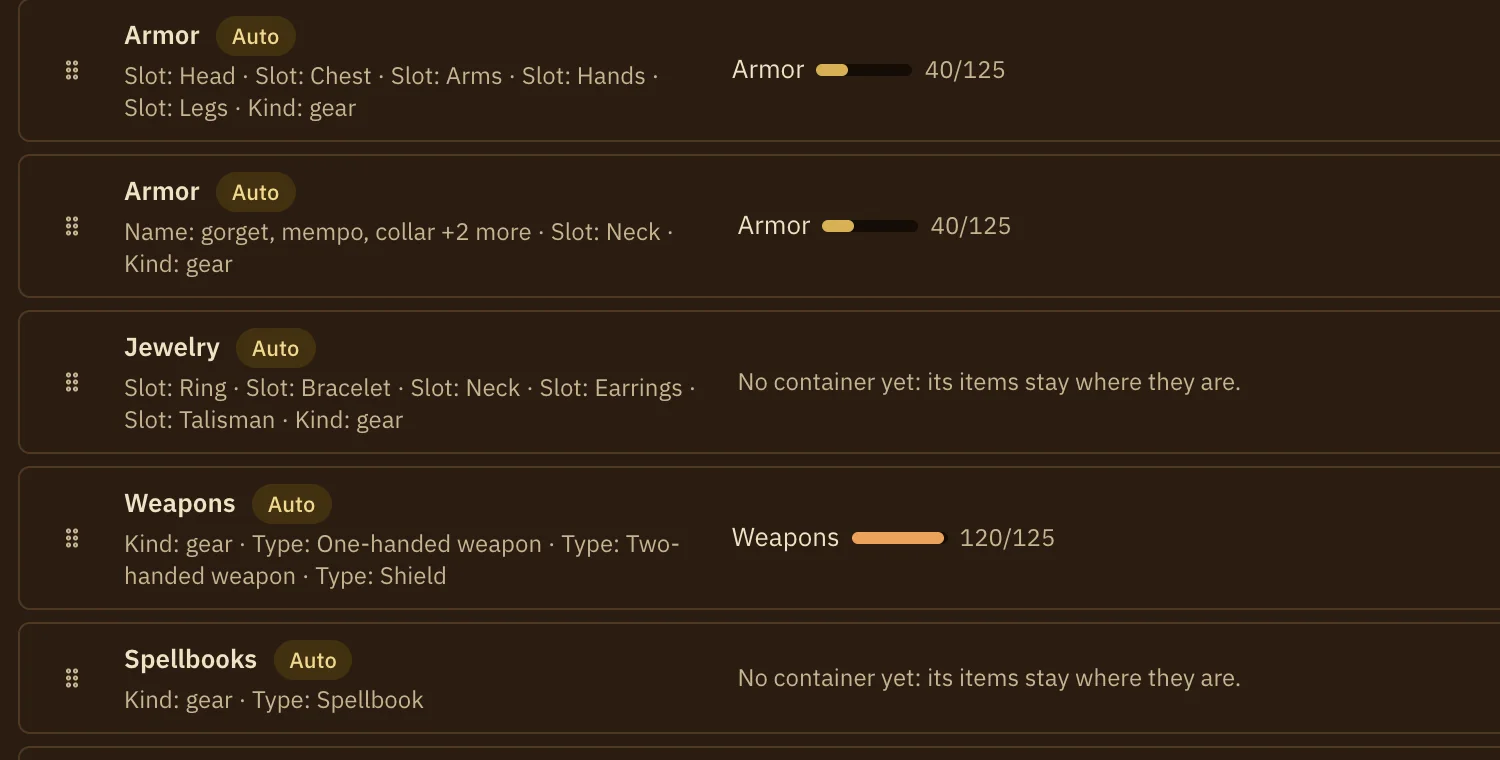
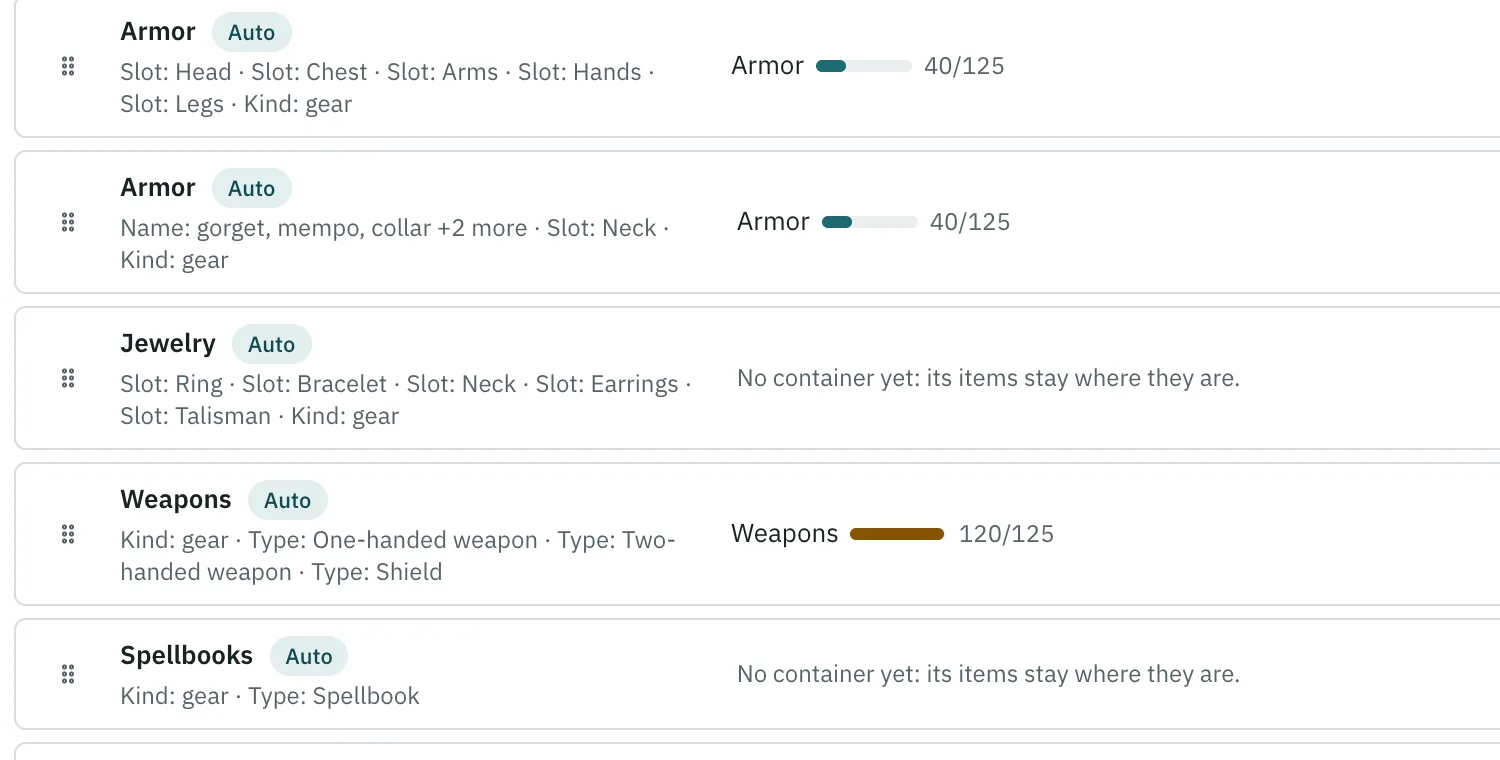
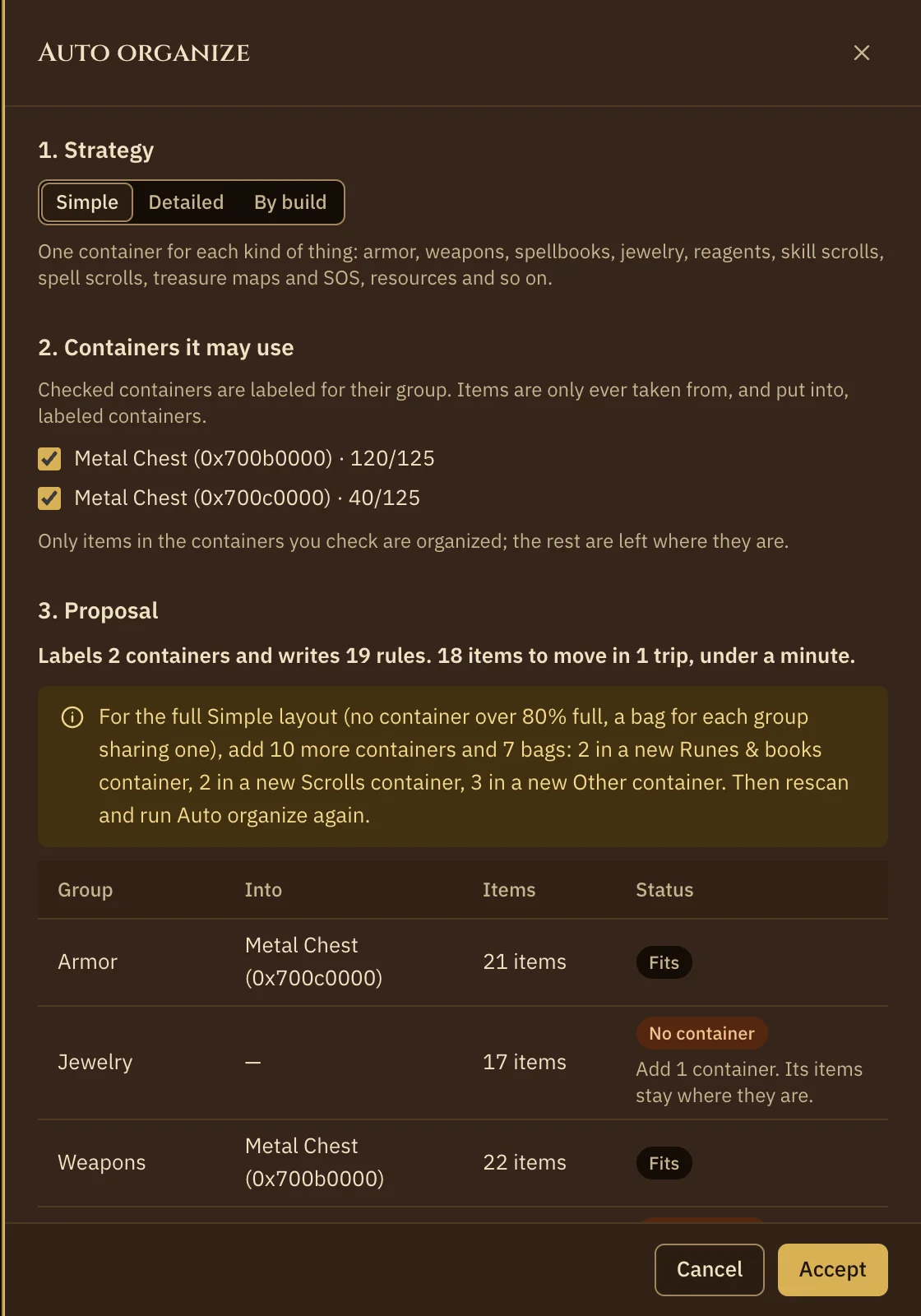
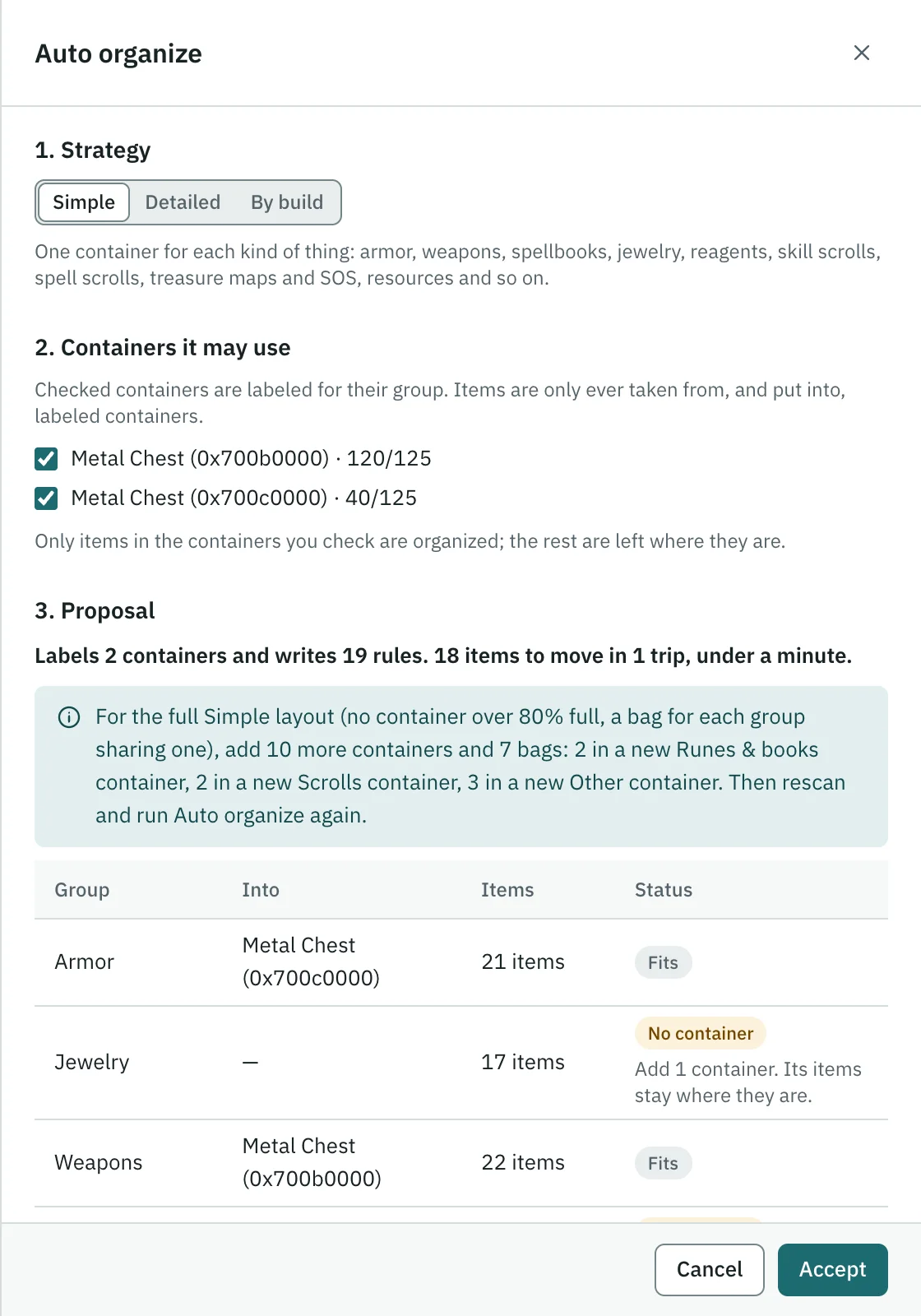
Or let Auto organize write them.
Simple, detailed or by build. It labels your chests and shows the plan first.
Then Put away.
With TazUO the trip runs in game while you watch.
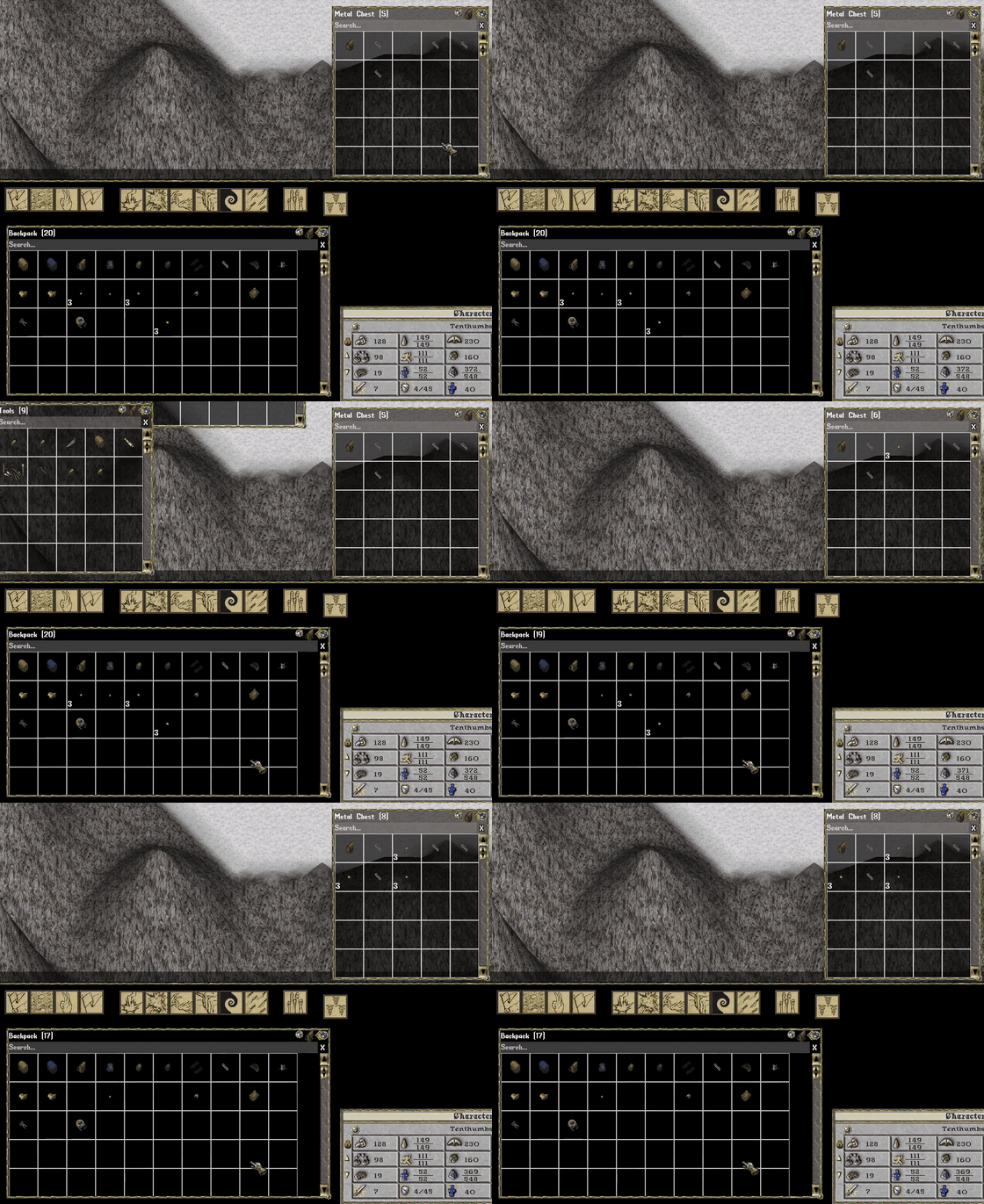
A panel in the game, a bridge to the app.
Small scripts in your client. The scanner reads what your character can see; the bridge carries out what you press in the app. They never fight, gather or loot.
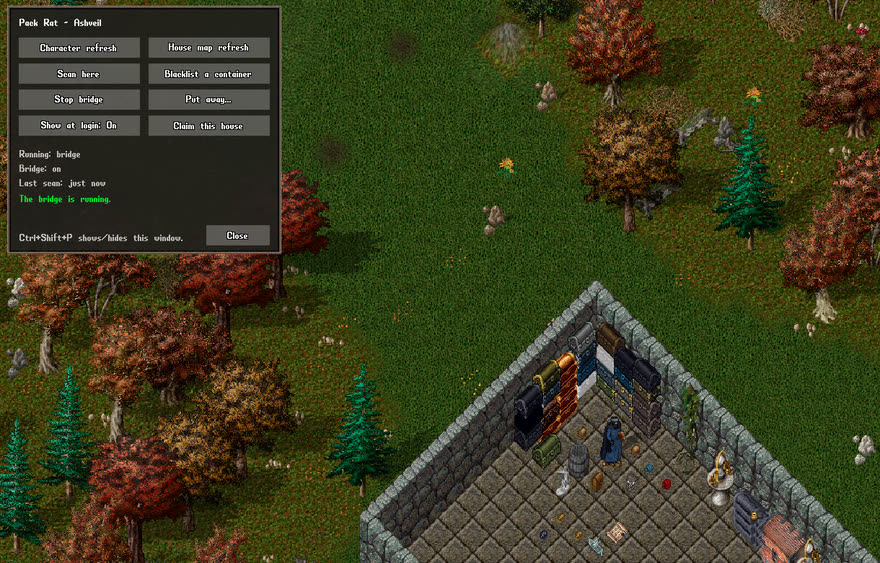
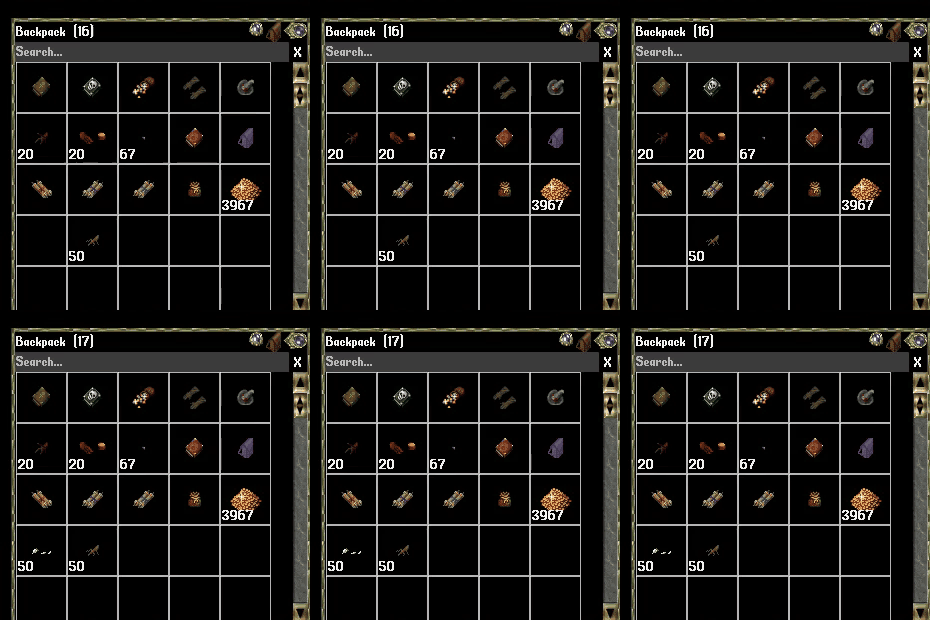
Ask in your own words. It looks in your scans.
Pack Rat has a built-in MCP server, so Claude Code and other MCP clients can search your inventory, read your characters and saved runs, and run the Suit Builder. Every request goes through the same routes and checks as the app's own buttons.
“Which of my rings have Lower Reagent Cost 20 or more? Highlight the best one.”
search_itemswithlrc:20, thenhighlight_item: the ring is marked in game (with TazUO, the containers open down to it).“Build Dorran a suit from what's in my house, Lower Reagent Cost first, and compare it with the run I saved last week.”
list_containersfor the house,build_suitwith ranked goals and only those containers, thencompare_runs.“Set up Organize for my house and show me the labels before you save them.”
organize_proposalto show what Auto organize would set up, thenlabel_containersonce you say yes.
- Read
- Search with every Inventory filter, property rules like
lrc:20included. Full item tooltips, what's in a container, character sheets, saved runs, scrolls and when each character was last scanned. - Build
- Run the Suit Builder with a character's saved build or a template, buffs and pinned pieces. Score a suit you picked by hand, and compare saved runs side by side.
- Organize
- Show what Auto organize would set up and the trips your setup would run. Add, rename, pin or remove container labels, all or nothing. That changes Pack Rat's setup, never the game.
- In game
- Highlight, Go to, Grab, run one Organize trip, or rescan (Organize trips and rescans with TazUO). Only with Allow in-game actions turned on in Settings and the bridge running in your client.
Turn it on
In Settings › AI assistants (MCP), switch on the MCP server. It's off until you do, listens on this computer only and needs its token.
Connect a client
For Claude Code, Copy command and run it once. Other clients take the JSON from Copy JSON.
claude mcp add --transport http --scope user pack-rat http://127.0.0.1:47615/mcp --header "Authorization: Bearer <token>"Choose what it may do
Leave Allow in-game actions off and the assistant can't touch the game: it reads, plans and edits only Pack Rat's own container labels. Turn it on to let it highlight, walk, grab and organize through the bridge.
What the assistant reads goes wherever that assistant sends it: Claude Code passes tool results to its model like the rest of the conversation. Pack Rat itself sends nothing.
Five minutes, then scan.
Everything stays in one folder on your computer. The only thing Pack Rat sends anywhere is the update check.
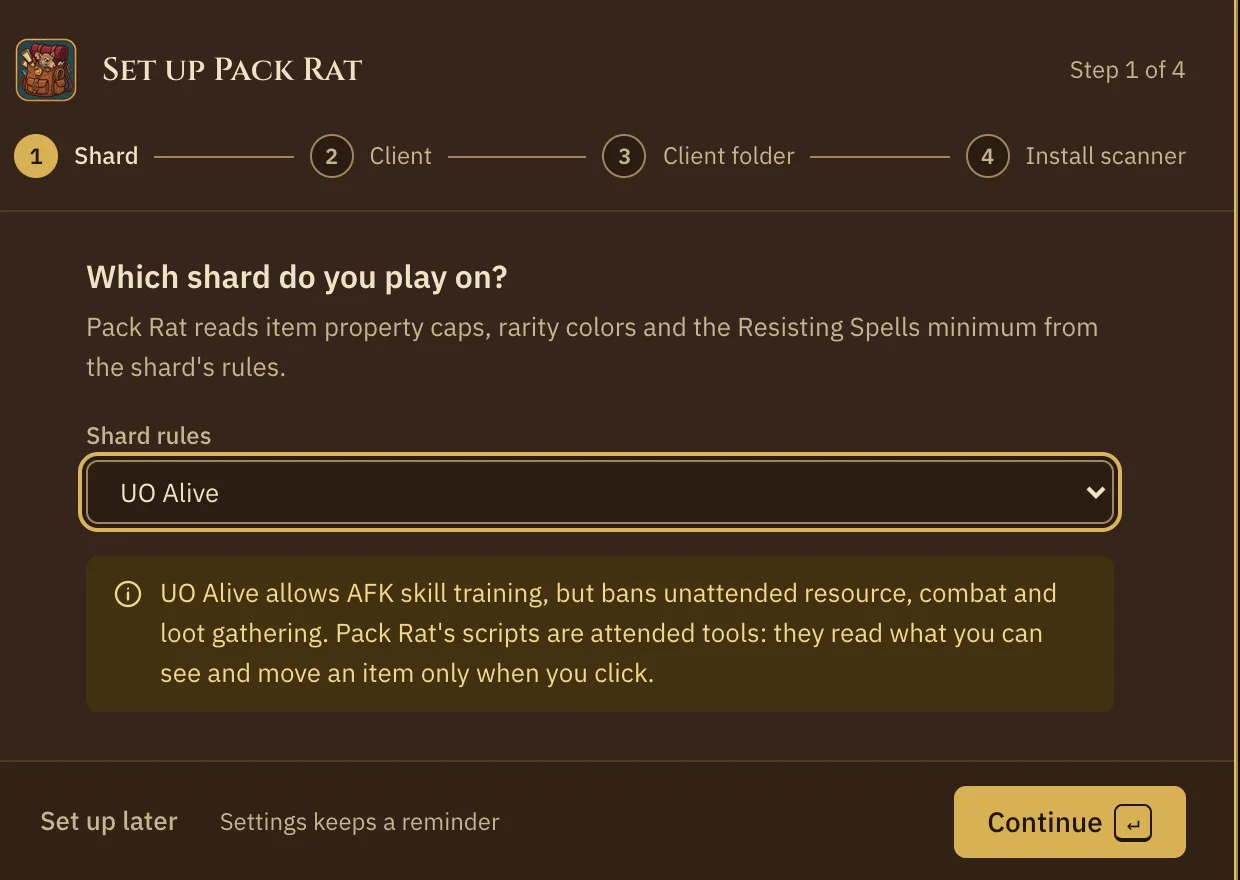
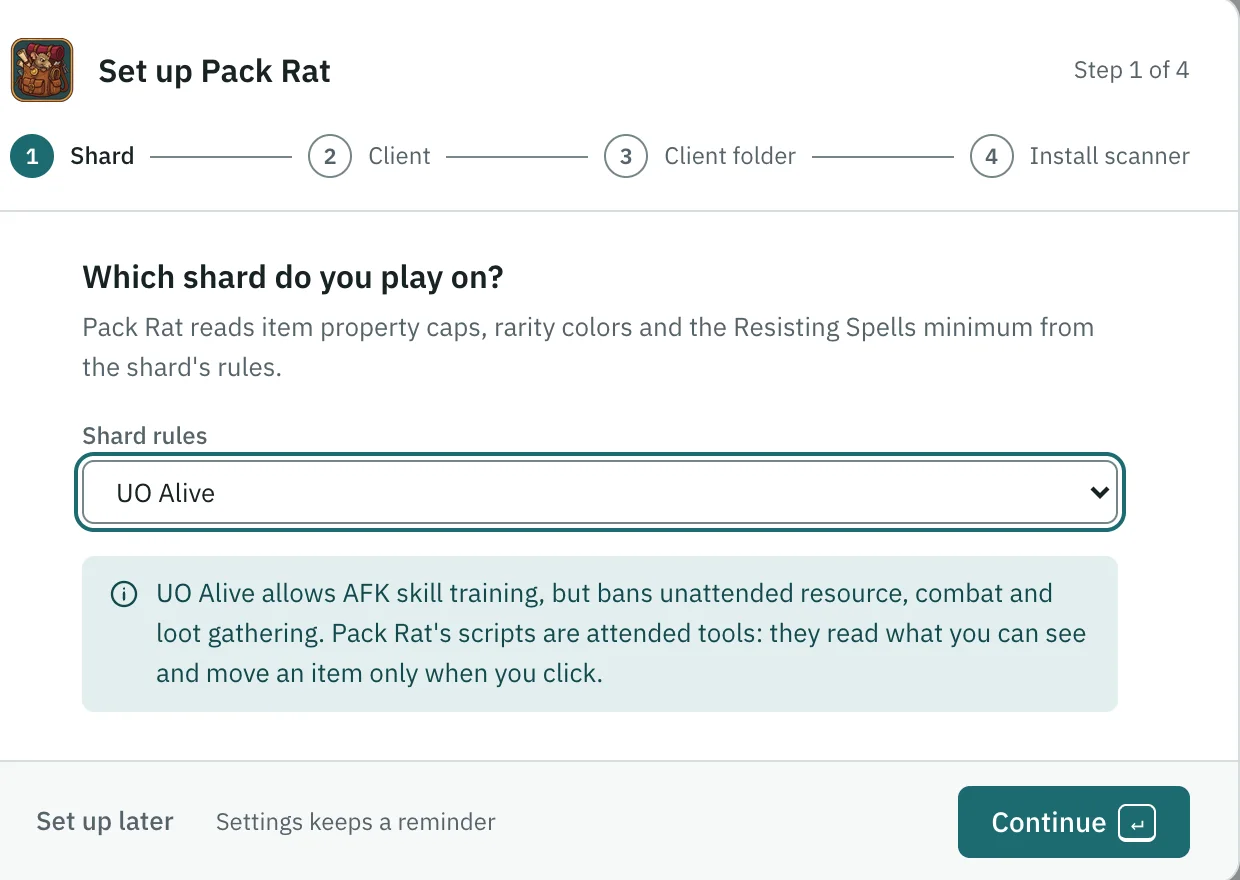
The setup window
Choose UO Alive and your game client. Pack Rat installs its scripts in the client's folder.
- TazUOv26.0923.64 or later
- Razor EnhancedWindows
- ClassicUO web clientpaste a scan
Import
Clients that write scan files are picked up by themselves. The web client pastes its scan instead.
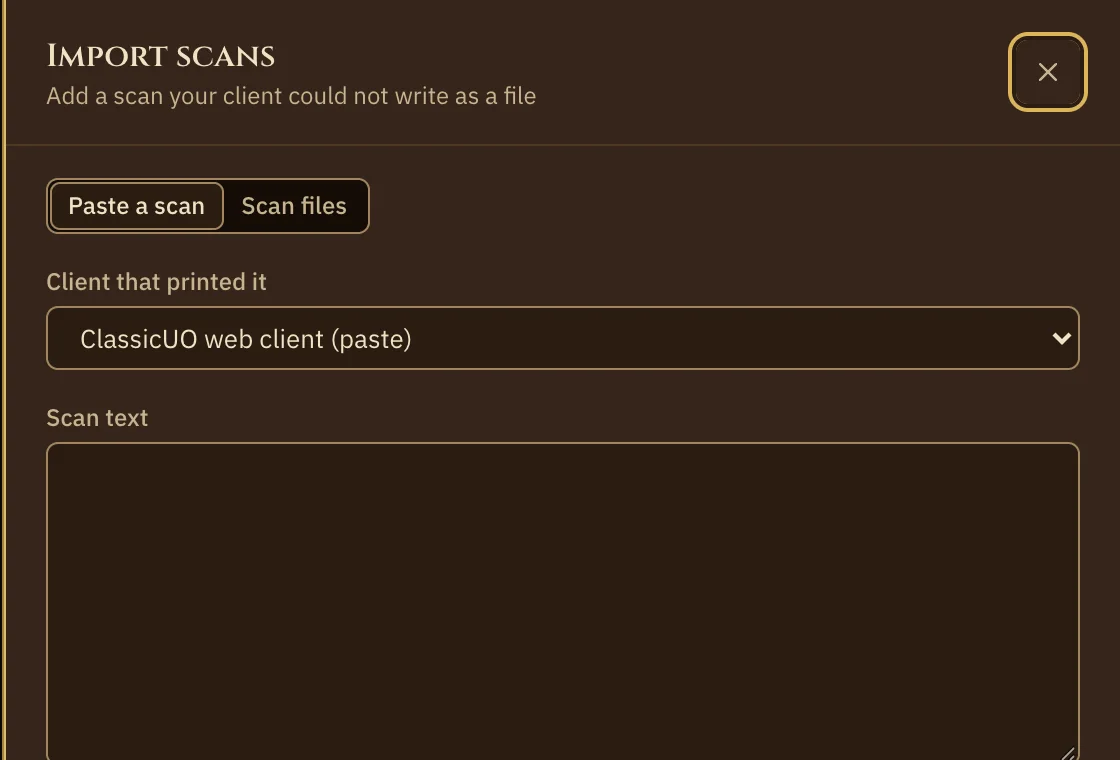
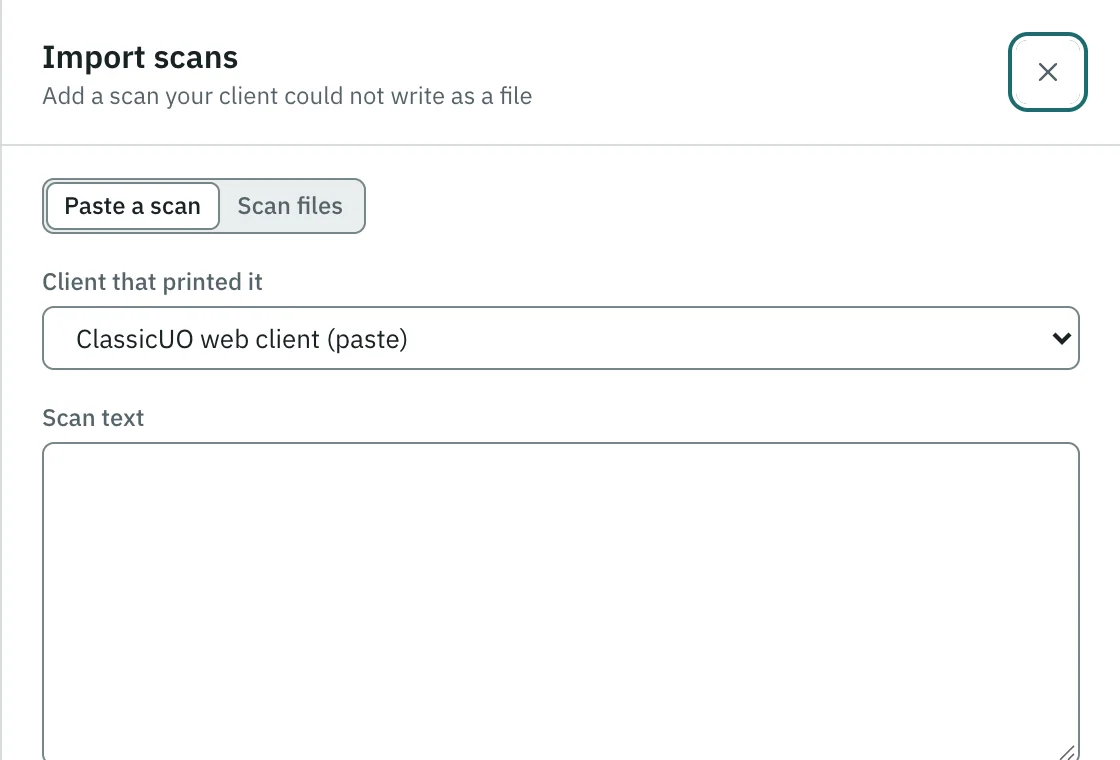
Settings and themes
Default is the clean look. Britannia, the one on this page, dresses Pack Rat in parchment and brass. Light, dark or follow your computer.
Free, and yours to keep. Everything stays on your computer.
Made for UO AliveBuilt and tested on uoalive.comPack Rat isn't code-signed yet, so the first launch warns you. On Windows click More info, then Run anyway. On a Mac, right-click the app and choose Open.